The Inbox is Admiin’s email ingestion system. It automatically reads forwarded ATO lodgement confirmation emails and extracts the document type, amount, PRN, due date, and reference — saving you from manual data entry.
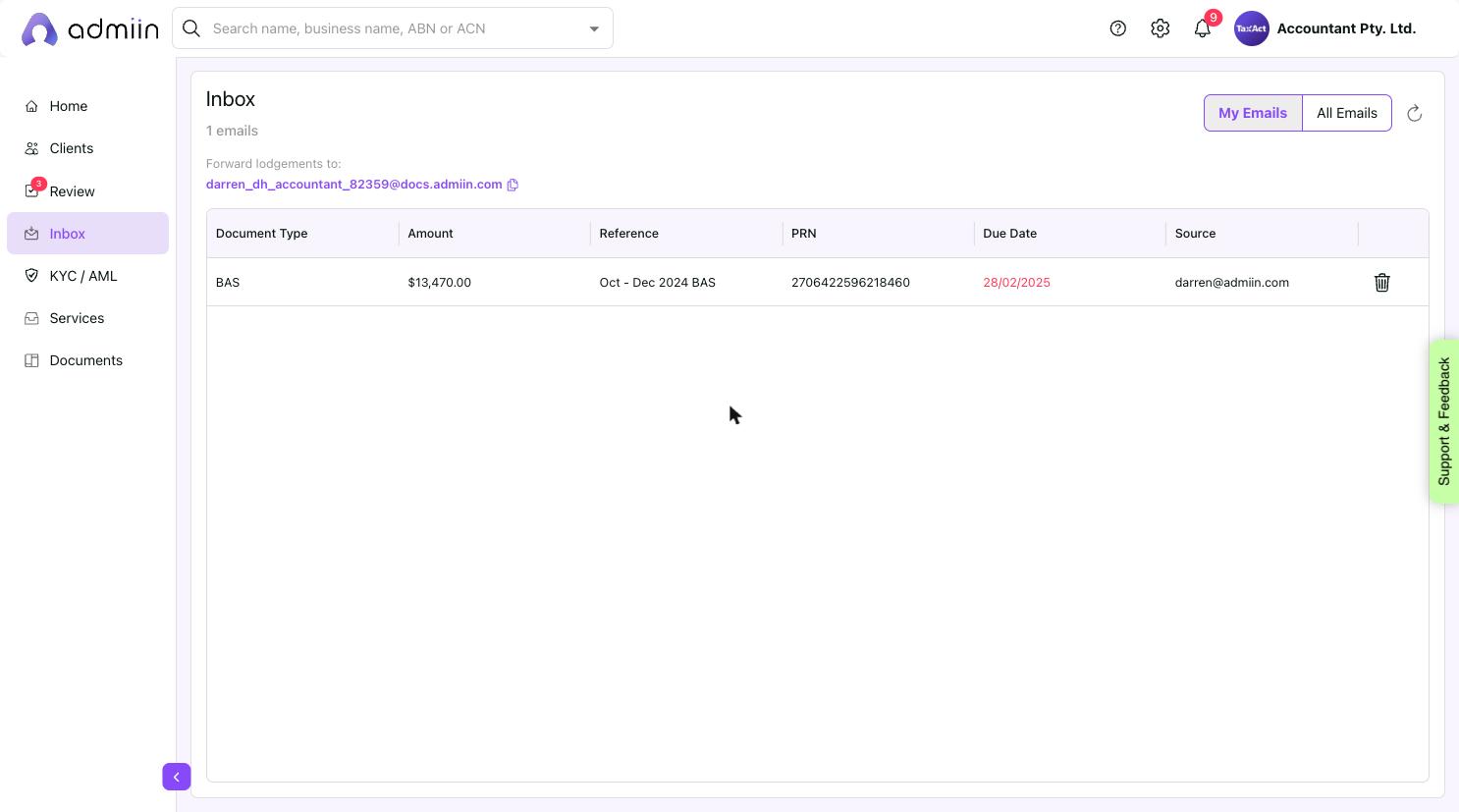
Go to Inbox in the left sidebar.
2. At the top, you will see your unique @docs.admiin.com forwarding email address. Copy it.
3. Log in to your ATO Online Services or tax agent portal.
4. Set up email forwarding or add your Admiin address as a CC to all lodgement notification emails.
5. When the ATO sends a lodgement confirmation, Admiin will auto-parse it and display it in your Inbox ready to use.
