Services are reusable items you can select when creating invoices or quotes. Each service has a description, default price, and tax type.
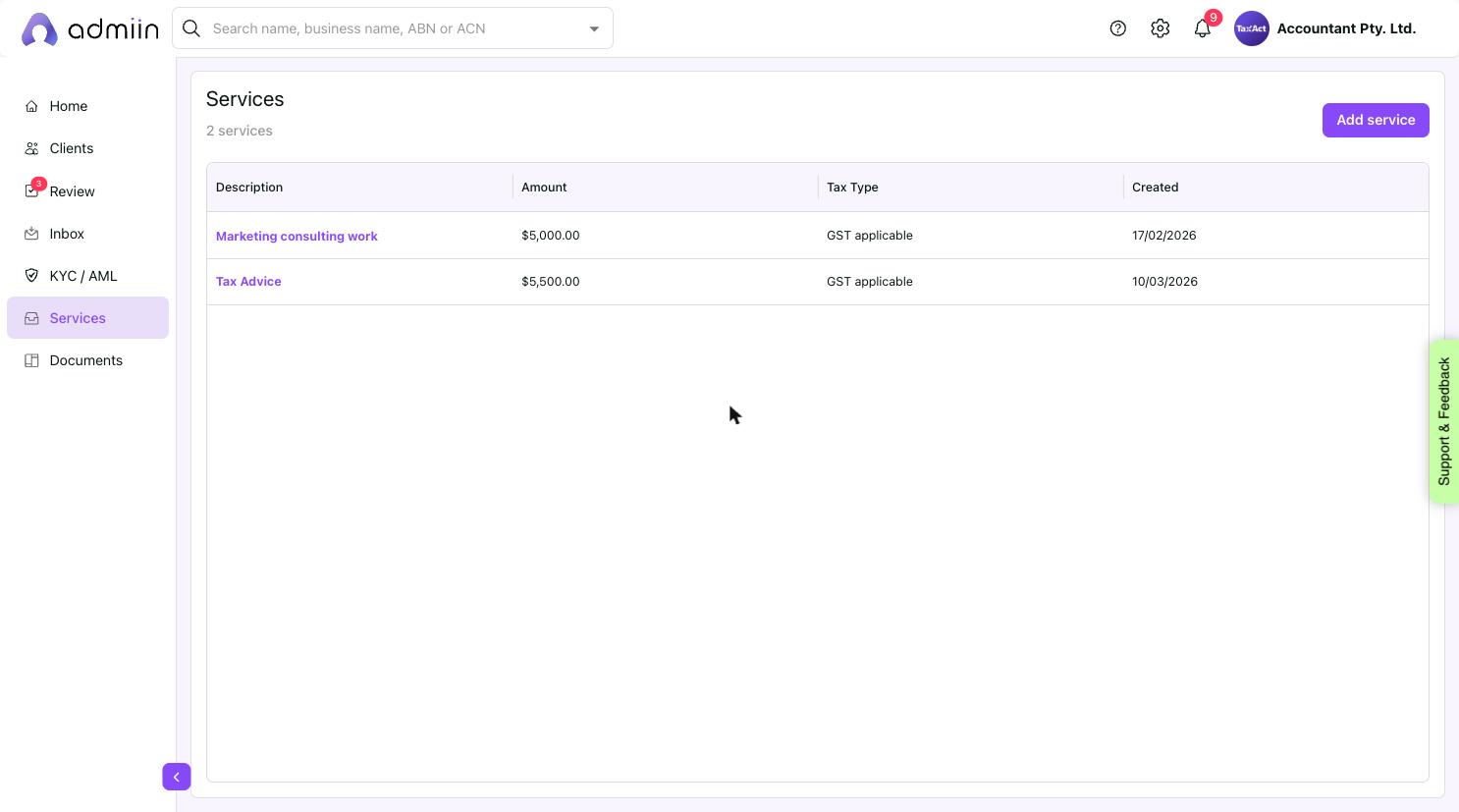
Go to Services in the left sidebar.
2. Click Add service (top right).
3. Enter a Description, Amount, and Tax Type (GST applicable / GST free / BAS excluded).
4. Save. The service now appears in your catalogue when creating invoices or quotes.
